53% of visitors worldwide abandon a website that takes longer than 3 seconds to load, and Google penalises every slow page with lower rankings before a single visitor even arrives. Your slow website speed is hurting your Google ranking right now, silently pushing potential customers to faster competitors while you wonder why your traffic and enquiries have plateaued. By the end of this article, you will know exactly how page speed affects your Google rankings, what Google’s Core Web Vitals actually measure, and which fixes produce the fastest ranking improvements for your business website in 2026.
Google made page speed an official ranking factor for both desktop and mobile search in 2021, and the algorithm has tightened its standards every year since. How to improve website speed for better SEO is no longer a technical nicety. It is a baseline requirement. A full technical health check of your website’s speed performance typically reveals 8 to 15 fixable issues that are actively suppressing your rankings, most of which your web designer never flagged because they were focused on how the site looked, not how fast it loaded.
Is your website’s speed hurting your Google ranking? Contact RankFX Global today for a free page speed audit.
Key Takeaways
- 53% of global website visitors abandon pages that take longer than 3 seconds to load, directly reducing your conversion rate
- Google’s Core Web Vitals failing status actively suppresses your rankings across all devices and search markets
- A 1-second improvement in page load time increases conversion rates by an average of 7% for business websites
- The single most important action today: test your website speed on Google PageSpeed Insights and check your Core Web Vitals status, it is free and takes 2 minutes
How Slow Website Speed Hurts Your Google Ranking in 2026
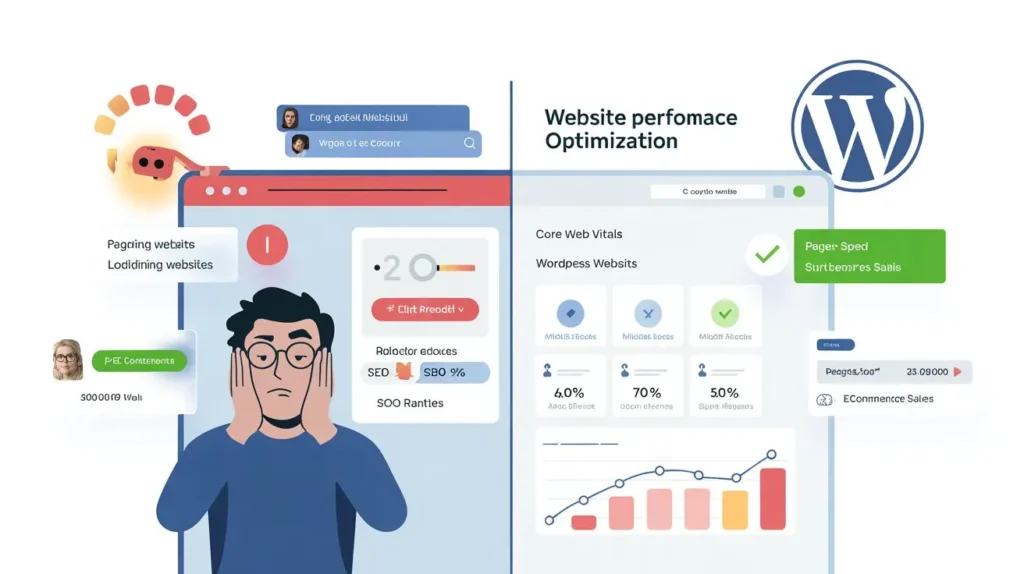
Google’s algorithm evaluates your website’s speed performance through a set of metrics called Core Web Vitals. These are not optional signals, they are ranking factors that directly influence where your pages appear in search results. A website that fails Core Web Vitals is ranked lower than a competitor with equivalent content and authority whose pages load faster. Speed has become a tiebreaker that frequently determines who appears on page 1 and who sits on page 2.
The three Core Web Vitals Google measures are Largest Contentful Paint, Interaction to Next Paint, and Cumulative Layout Shift. Largest Contentful Paint measures how long it takes for the largest visible element on your page, usually your hero image or main heading, to load. Google’s target is under 2.5 seconds. Interaction to Next Paint measures how quickly your page responds when a visitor clicks or taps something. The target is under 200 milliseconds. Cumulative Layout Shift measures whether your page elements jump around as the page loads, a jarring experience that Google penalises with lower rankings.
According to Google Search Central’s Core Web Vitals documentation, pages that pass all three Core Web Vitals thresholds receive a ranking boost over pages that fail, all other factors being equal. In competitive markets where dozens of websites are optimised for the same keywords, this speed-based ranking advantage is often the decisive factor.
What I’ve seen consistently across 200+ campaigns is that slow website speed is the most overlooked ranking barrier in the entire SEO process. Business owners invest months in content and link building while their page loads in 6 seconds, wiping out the benefit of every other optimisation. Fixing speed first makes every other SEO activity more effective.
Talk to a RankFX SEO expert today, we will run a full Core Web Vitals audit on your website and show you exactly which speed issues are actively suppressing your Google rankings.
What Does Core Web Vitals Failing Actually Cost Your Business?
The revenue cost of a slow website is calculable, and it is significantly larger than most business owners expect.
An e-commerce store generating $20,000 per month in online revenue with a 3% conversion rate receives approximately 667 converting visitors per month. A 1-second improvement in page load time increases conversion rates by an average of 7%, which means the same store would generate an additional 47 converting visitors per month after fixing its speed. At an average order value of $60, that is $2,820 in additional monthly revenue from a single technical fix.
For a service business generating 20 enquiries per month from organic search, a 1-second speed improvement produces approximately 1 to 2 additional enquiries per month. At an average client value of $1,500, that is $1,500 to $3,000 in additional monthly revenue, from an improvement that typically takes 2 to 4 weeks to implement.
Speed problems compound with ranking problems. A slow website ranks lower, which means fewer visitors. Fewer visitors means fewer conversions. And a high bounce rate from slow load times sends negative engagement signals back to Google, which further suppresses rankings in a downward cycle that gets harder to break the longer it continues.
A website spending $500 per month on Google Ads to compensate for poor organic rankings could redirect that budget to a one-time page speed optimization service. Most speed fixes cost $300 to $800 as a one-time investment and produce ranking improvements that generate organic traffic for years, at zero ongoing cost per click.
Page Speed Optimisation for WordPress: The 7 Fixes That Move Rankings Fastest
WordPress powers over 43% of all websites worldwide, and WordPress websites have specific speed problems that non-WordPress sites typically do not face. Page speed optimisation service for WordPress sites follows a different priority order than for custom-built websites.
These seven fixes deliver the fastest Core Web Vitals improvements for WordPress websites specifically:
- Image optimisation and next-gen formats: Uncompressed images are the single most common cause of slow WordPress load times. Converting images to WebP format and compressing them to under 150KB per image typically reduces page load time by 1 to 2 seconds alone.
- Remove unused plugins: Every active WordPress plugin adds JavaScript and CSS that loads on every page, whether needed or not. Auditing and removing unused plugins reduces page weight immediately. Most WordPress sites have 8 to 15 plugins they could safely remove.
- Implement caching: A caching plugin stores a static version of your pages and serves them instantly to returning visitors. This single change reduces server response time, one of the key inputs to Largest Contentful Paint, by 40 to 60% on most WordPress installations.
- Use a Content Delivery Network: A CDN stores copies of your website on servers around the world and serves each visitor from the server closest to their location. For businesses with international visitors, a CDN reduces load times by 30 to 50% for users outside your hosting country.
- Minify CSS and JavaScript files: Most WordPress themes and plugins load CSS and JavaScript files with unnecessary whitespace, comments, and formatting. Minification compresses these files and reduces their load time without changing how they function.
- Fix render-blocking resources: Some CSS and JavaScript files prevent your page from displaying until they finish loading, causing the visible content to appear late and failing Largest Contentful Paint. Deferring non-critical scripts fixes this issue directly.
- Upgrade your hosting: Shared hosting on slow servers is the most common cause of high server response times, the baseline delay before any page content starts loading. Moving to managed WordPress hosting or a faster VPS typically halves server response time within 24 hours of migration.
Our full range of SEO services at RankFX Global includes a dedicated technical SEO service that covers all seven of these WordPress speed fixes, with before-and-after PageSpeed Insights scores showing exactly how much each fix improved your Core Web Vitals.
Book your free consultation now, our team will identify which of these seven fixes will produce the fastest ranking improvement for your specific WordPress website.
Core Web Vitals Failing: How to Fix Each Metric Specifically
Understanding which Core Web Vitals metric your website is failing tells you exactly which fix to prioritise. Each metric has different causes and different solutions.
If your Largest Contentful Paint is failing (over 2.5 seconds): The most common cause is a large unoptimised hero image or render-blocking CSS at the top of your page. Fix the hero image first, compress it, convert it to WebP, and add loading=”eager” to ensure it loads with priority. This single fix resolves LCP failures in the majority of cases.
If your Interaction to Next Paint is failing (over 200 milliseconds): The most common cause is heavy JavaScript executing on page load, typically from third-party scripts like chat widgets, analytics tools, or ad pixels. Deferring or lazy-loading these scripts reduces INP scores significantly. Most business websites carry 3 to 5 third-party scripts that load synchronously when they could be deferred.
If your Cumulative Layout Shift is failing (over 0.1): The most common causes are images without defined dimensions, dynamically injected content, and web fonts that load after the page renders. Adding explicit width and height attributes to all images and preloading critical fonts resolves most CLS failures within a single implementation.
Honest limitation: Core Web Vitals scores are measured from real-world user data collected over a 28-day rolling window, not just from lab tests run on PageSpeed Insights. This means that even after you implement all the correct fixes, your Core Web Vitals status in Google Search Console may take 28 to 35 days to update and reflect the improvements. Speed fixes work immediately for visitors, but the Google ranking benefit takes approximately one full data collection cycle to materialise. This is not a failure of the fixes, it is simply how Google’s measurement system works.
How Slow Website Speed Hurts Ecommerce Sales: The Numbers That Matter
Website loading slowly hurting ecommerce sales is one of the most direct and measurable relationships in digital marketing. Unlike organic ranking improvements that take weeks to reflect in traffic, the revenue impact of speed improvements shows up in your analytics within days of implementation.
The relationship between load time and ecommerce conversion rate follows a consistent pattern across industries. At 1 second load time, conversion rates average 2.5 to 3.5%. In 2 seconds, they drop to 1.8 to 2.5%. In 3 seconds, they fall to 1.0 to 1.8%. At 4 seconds and above, conversion rates typically fall below 1% , meaning fewer than 1 in 100 visitors completes a purchase. For an ecommerce store receiving 5,000 monthly visitors, the difference between a 1-second and a 4-second load time is the difference between 125 and 40 monthly orders.
Speed also affects Google Shopping placements for ecommerce websites. Product listings that load slowly on mobile devices receive lower placement scores in Google Shopping results, reducing their visibility to buyers already deep in the purchase decision process. Fixing your store’s mobile page speed improves both organic rankings and paid Shopping placements simultaneously.
One thing people often miss when optimising ecommerce speed is the difference between home page speed and product page speed. Many ecommerce store owners fix their home page, check their PageSpeed score, and consider the job done. But their product pages, the pages customers actually land on from Google, remain slow and unoptimised. Google evaluates each page individually. A fast home page does not compensate for slow product pages in the ranking algorithm.
Final Thoughts
Every day your website loads slowly is a day Google ranks it lower than it deserves, visitors leave before they see what you offer, and potential customers choose a faster competitor instead. The connection between slow website speed hurting your Google ranking and the revenue your business generates is direct and measurable, and the fixes are neither complicated nor expensive relative to the ranking and conversion improvements they produce. Speed is the one technical SEO problem that simultaneously hurts your rankings, your traffic, and your conversion rate at the same time.
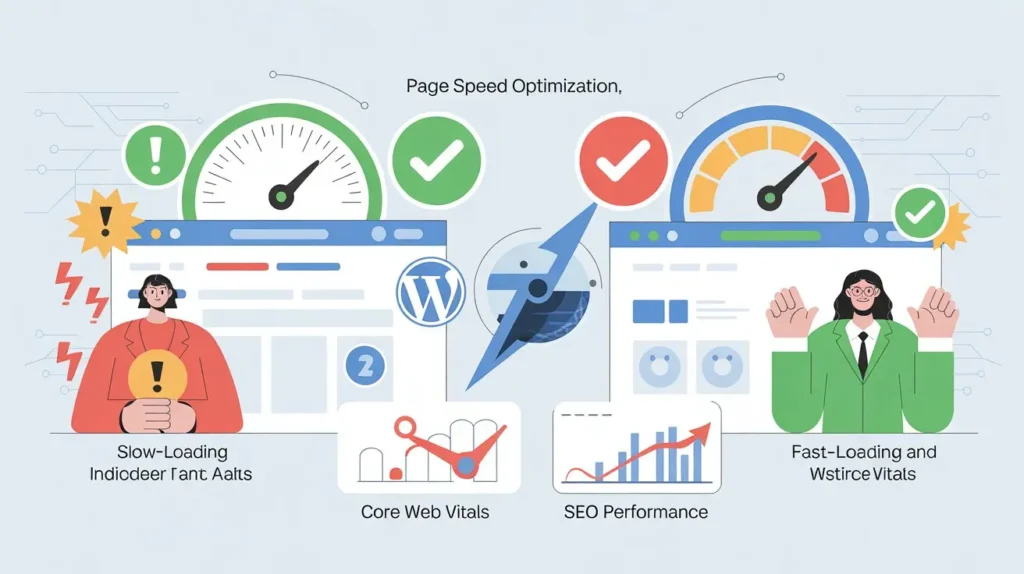
If you are ready to fix your website’s page speed, improve your Core Web Vitals scores, and start recovering the rankings and revenue your slow site is costing you, get in touch with RankFX Global today. Our team will audit your complete speed performance, identify every Core Web Vitals issue suppressing your rankings, and implement the fixes that produce the fastest measurable Google ranking improvements for your business.
FAQs
1. How much is slow website speed hurting my Google ranking specifically?
Pages that fail Core Web Vitals receive a direct ranking penalty compared to faster competitors, in competitive markets, this can mean the difference between page 1 and page 2 for your target keywords.
2. How do I improve website speed for better SEO on a WordPress site?
How to improve website speed for better SEO on WordPress starts with image optimisation, removing unused plugins, implementing caching, and deferring non-critical JavaScript, these four fixes resolve the majority of WordPress speed and Core Web Vitals issues.
3. What does a page speed optimisation service for WordPress actually include?
A page speed optimisation service for WordPress site should cover image compression, caching setup, JavaScript deferral, hosting assessment, CDN implementation, and Core Web Vitals testing, with before-and-after PageSpeed Insights scores to verify improvement.
4. How long does it take for Core Web Vitals fixes to improve Google rankings?
Technical fixes take effect immediately for visitors, but Google’s Core Web Vitals ranking data updates over a 28-day rolling window, so expect 4 to 5 weeks before ranking improvements appear in Google Search Console after implementing fixes.
5. Is my website loading slow because of my hosting or my website design?
Both cause slow load times but in different ways. Hosting affects server response time, the baseline delay before content starts loading. Design affects render time, how long it takes for content to appear after the server responds. A proper speed audit identifies which is causing the most damage for your specific site.
6. How do I get my Core Web Vitals fixed and my rankings improved today?
Reach out to our team at RankFX Global for a free Core Web Vitals audit, share your website URL and we will send you a full speed analysis with prioritised fixes and expected ranking impact within 24 hours.